Regular Expressions 101

Save & Manage Regex

  • Current Version: 2
  • Save & Share
  • Community Library

Flavor

  • PCRE2 (PHP)
  • ECMAScript (JavaScript)
  • Python
  • Golang
  • Java
  • .NET 7.0 (C#)
  • Rust
  • PCRE (Legacy)
  • Regex Flavor Guide

Function

  • Match
  • Substitution
  • List
  • Unit Tests
Sponsors
An explanation of your regex will be automatically generated as you type.
Detailed match information will be displayed here automatically.
  • All Tokens
  • Common Tokens
  • General Tokens
  • Anchors
  • Meta Sequences
  • Quantifiers
  • Group Constructs
  • Character Classes
  • Flags/Modifiers
  • Substitution
  • A single character of: a, b or c
    [abc]
  • A character except: a, b or c
    [^abc]
  • A character in the range: a-z
    [a-z]
  • A character not in the range: a-z
    [^a-z]
  • A character in the range: a-z or A-Z
    [a-zA-Z]
  • Character class intersection
    [\w&&[^\d]]
  • Any single character
    .
  • Alternate - match either a or b
    a|b
  • Any whitespace character
    \s
  • Any non-whitespace character
    \S
  • Any digit
    \d
  • Any non-digit
    \D
  • Any word character
    \w
  • Any non-word character
    \W
  • Non-capturing group
    (?:...)
  • Capturing group
    (...)
  • Zero or one of a
    a?
  • Zero or more of a
    a*
  • One or more of a
    a+
  • Exactly 3 of a
    a{3}
  • 3 or more of a
    a{3,}
  • Between 3 and 6 of a
    a{3,6}
  • Start of string
    ^
  • End of string
    $
  • A word boundary
    \b
  • Non-word boundary
    \B

Regular Expression
Processing...

Test String

Code Generator

Generated Code

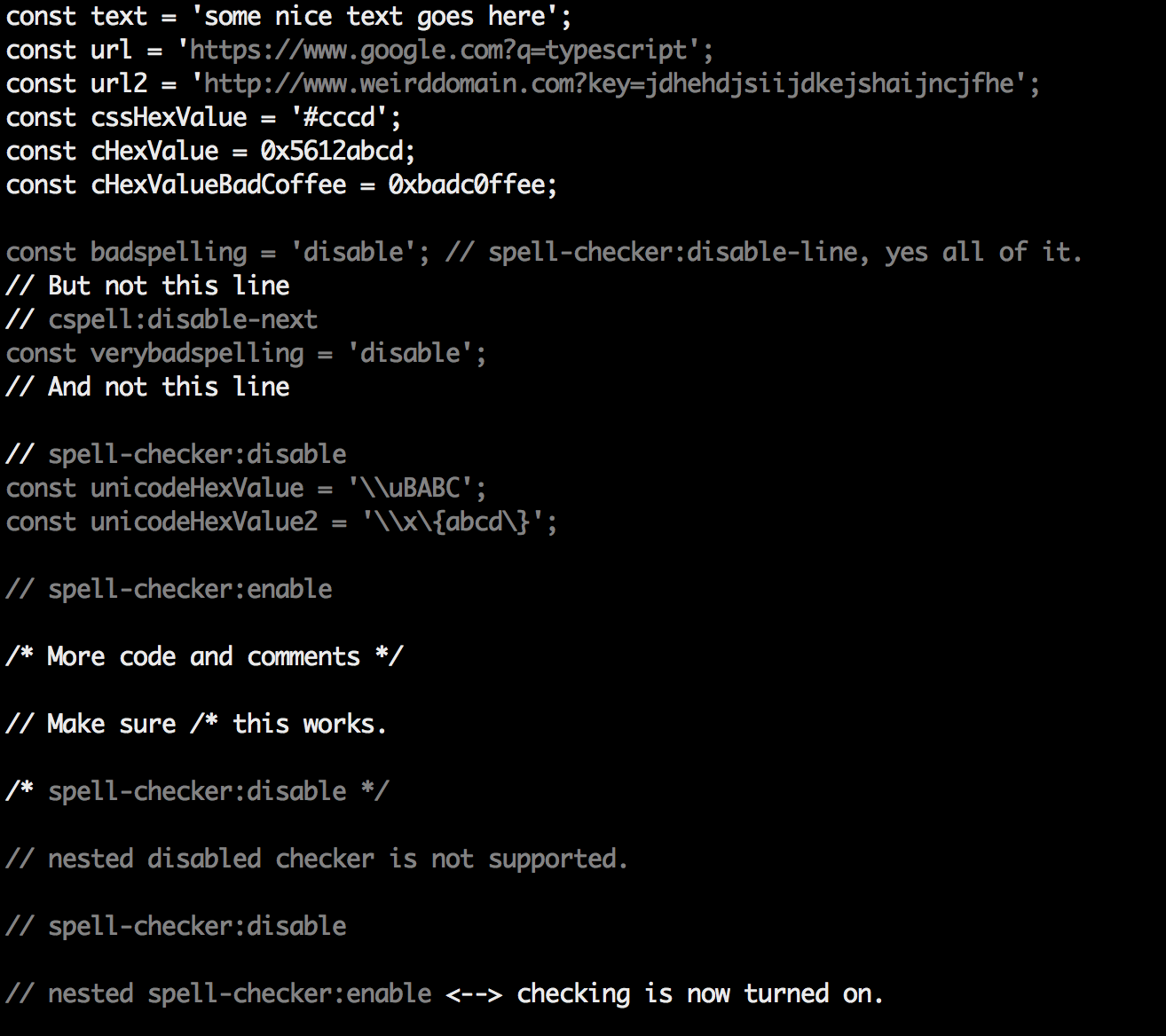
re = /^(-{3}|[+]{3})$[^\1]*?^\1$/m str = '--- title: \'Visual Spell Check\' categories: docs # parent: Docs nav_order: 4 --- # Visual Spell Check View the spell checking results in the document being checked. ## Command: `check` - Quick Visual Check Do a quick visual check of a file. This is a great way to see which text is included in the check. ```sh cspell check <filename> ``` It will produce something like this: ![image](https://user-images.githubusercontent.com/3740137/35588848-2a8f1bca-0602-11e8-9cda-fddee2742c35.png) ### Tip for use with `less` To get color in less, use `--color` and `less -r` ```sh cspell check <filename> --color | less -r ``` ' # Print the match result str.scan(re) do |match| puts match.to_s end
Please keep in mind that these code samples are automatically generated and are not guaranteed to work. If you find any syntax errors, feel free to submit a bug report. For a full regex reference for Ruby, please visit: http://ruby-doc.org/core-2.2.0/Regexp.html