// include the latest version of the regex crate in your Cargo.toml
extern crate regex;
use regex::Regex;
fn main() {
let regex = Regex::new(r"(?m)^(-{3}|[+]{3})$[^\1]*?^\1$").unwrap();
let string = "---
title: 'Visual Spell Check'
categories: docs
# parent: Docs
nav_order: 4
---
# Visual Spell Check
View the spell checking results in the document being checked.
## Command: `check` - Quick Visual Check
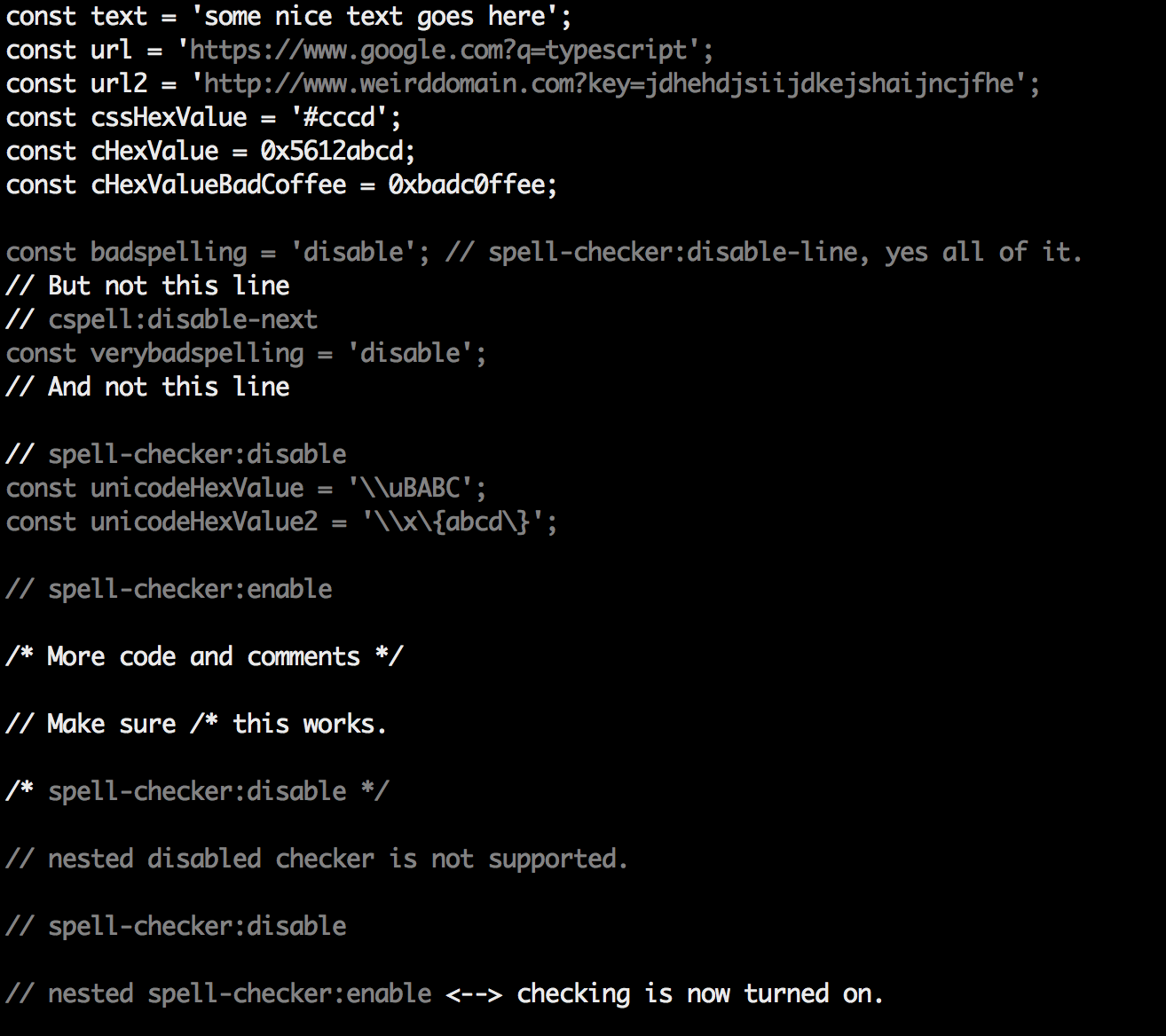
Do a quick visual check of a file. This is a great way to see which text is included in the check.
```sh
cspell check <filename>
```
It will produce something like this:
### Tip for use with `less`
To get color in less, use `--color` and `less -r`
```sh
cspell check <filename> --color | less -r
```
";
// result will be an iterator over tuples containing the start and end indices for each match in the string
let result = regex.captures_iter(string);
for mat in result {
println!("{:?}", mat);
}
}
Please keep in mind that these code samples are automatically generated and are not guaranteed to work. If you find any syntax errors, feel free to submit a bug report. For a full regex reference for Rust, please visit: https://docs.rs/regex/latest/regex/